Tools How To Guide

Everything you need to know about our collector tools — what they do, how to use them, and how to go ad-free.

Tool 1 · Live Market Data
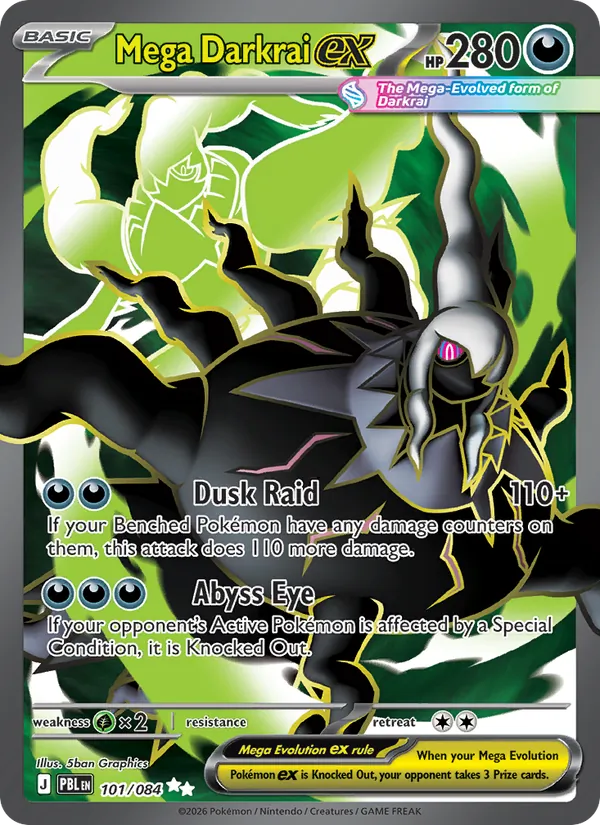
Mega Darkrai ex — Pokémon TCG card

Pokémon Top 25 Price Lists

See the 25 most valuable cards in any Pokémon TCG set, ranked by live market prices from TCGdex. Perfect for checking if a card is worth buying at a show.

What it does

How to use it

  1. Pick a set — Use the dropdown at the top to choose any Pokémon TCG set.
  2. View top 25 — The table loads the 25 most valuable cards, ranked by price.
  3. ↻ Refresh prices — Click to fetch the latest market data at any time.
  4. 📥 Download for Offline — Click to open the offline panel (see below).
  5. LIVE / CACHED badge — Green "LIVE" means real-time data. Gold "CACHED" means you're viewing saved data from a previous load.

📱 Using offline at card shows

  1. Before the show (at home with WiFi): Browse the sets you care about — each one is automatically cached for offline use. Or use Download for Offline to bulk-download many sets at once. Search and select sets, then click "Download Selected."
  2. At the show (no signal): Open this page — it loads from cache even with no internet. Pick any set you previously cached. You'll see prices with a gold CACHED badge showing when the data was saved.
  3. Spotty signal? If you get a moment of connectivity, hit ↻ Refresh to pull the latest prices and update your cache.

Tip: Add this page to your phone's home screen for quick access like an app. Works on both iPhone and Android.

Launch Top 25 Price Tool →
Tool 2 · Collection Tracker
Mega Darkrai ex — Pokémon TCG card

Pokémon Master Lists

A complete checklist of every card in every printed variant for any Pokémon TCG set. Track what you own and see live prices per variant.
What it does

How to use it

  1. Pick a set — Choose from the dropdown at the top.
  2. Search — Type in the search box to find specific cards by name, type, or rarity.
  3. Filter — Use the dropdowns to filter by rarity, variant, or owned status.
  4. Check boxes — Click the ✓ next to each card you own. The progress ring updates automatically.
  5. Export CSV — Click the Export button to download your checklist as a spreadsheet.
Launch Pokémon Master Lists →
Tool 3 · Collection Tracker
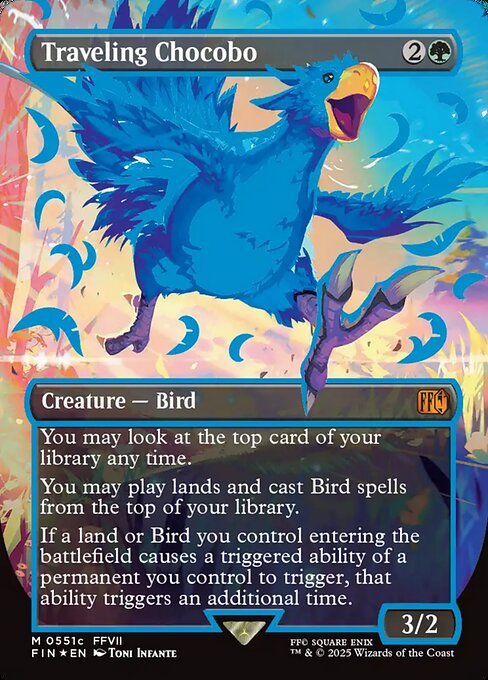
Traveling Chocobo — MTG card

Magic: The Gathering Master Lists

A complete checklist of every card in every finish for any MTG set. Track your collection with live prices from Scryfall.

What it does

How to use it

  1. Pick a set — Choose from the MTG set dropdown.
  2. Search — Type to find cards by name, type, or artist.
  3. Filter — Filter by rarity (Common, Uncommon, Rare, Mythic), finish (Nonfoil, Foil, Etched), or owned status.
  4. Check boxes — Mark cards you own. The progress ring updates live.
  5. Export CSV — Download your collection progress.
Launch MTG Master Lists →
Tool 4 · Live Market Data
Traveling Chocobo — MTG card

MTG Top 25 Price Lists

See the 25 most valuable cards in any Magic: The Gathering set, ranked by live market prices from Scryfall. Perfect for checking if a card is worth buying at a show.

What it does

How to use it

  1. Pick a set — Use the dropdown at the top to choose any MTG set.
  2. View top 25 — The table loads the 25 most valuable cards, ranked by price.
  3. ↻ Refresh prices — Click to fetch the latest market data at any time.
  4. LIVE badge — Green "LIVE" means real-time data from Scryfall.
Launch MTG Top 25 Price Tool →
Tool 5 · Inventory Tracker

Pokémon Stock Ledger

Track your Pokémon TCG inventory with cost basis, condition, and card type. Lock a set, scan your stack, and move to the next — built for speed at card shows.

What it does

How to use it

  1. Pick a set from the dropdown — this locks the set for all cards you add.
  2. Set condition and card type — these stay locked until you change them.
  3. Type the card number, optional name, qty, and cost. Hit Enter to log.
  4. Export regularly — download a CSV backup for your records.
Launch Pokémon Stock Ledger →
Tool 6 · Inventory Tracker

MTG Stock Ledger

Track your Magic: The Gathering inventory with cost basis, condition, and finish type. Same fast workflow as the Pokémon ledger — lock a set, scan, move on.

What it does

How to use it

  1. Pick a set from the dropdown — this locks the set for all cards you add.
  2. Set condition and finish type — these stay locked until you change them.
  3. Type the card number, optional name, qty, and cost. Hit Enter to log.
  4. Export regularly — download a CSV backup for your records.
Launch MTG Stock Ledger →
Tool 7 · Set Reference

Pokemon Set Symbols

Every English Pokémon TCG set symbol from Base Set (1999) to today, organized by era with the newest sets first. A quick reference for identifying which set a card belongs to.

What it does

How to use it

  1. Spot a symbol on a card you're evaluating
  2. Match it on the page — eras are labeled, newest at top
  3. Confirm the set name and era — then price it with the Top 25 tool
  4. Print it — the page hides the nav and prints clean for reference at shows
Launch Pokemon Set Symbols →

Find Us at Card Shows 🎴

Magna's Market attends regional card shows and conventions year-round across the Mid-Atlantic.

Stop by our table — you'll see the Magna's Market banner with our logo above.

See our upcoming events →